Intune & Ubuntu 24.04 revisited in 2026
This is a follow-up to my earlier post: Intune & Ubuntu 24.04.
Back in 2024, getting Intune running on Ubuntu 24.04 involved a fair amount of manual workarounds. In 2026, I started over from scratch with a fresh Ubuntu 24.04.4 install on my laptop, and the difference is night and day.
Basically, it just works. I did not have to backport repositories, pin older packages, or follow odd update paths. Even Secure Boot was straightforward this time, so this post is a clean rewrite of my old guide.
Fresh Install, Fresh Start
I wiped my current drive, created a boot drive, and installed Ubuntu 24.04.4 from scratch. The base install flow was simple, next next finish with LVM + disk encryption enabled.
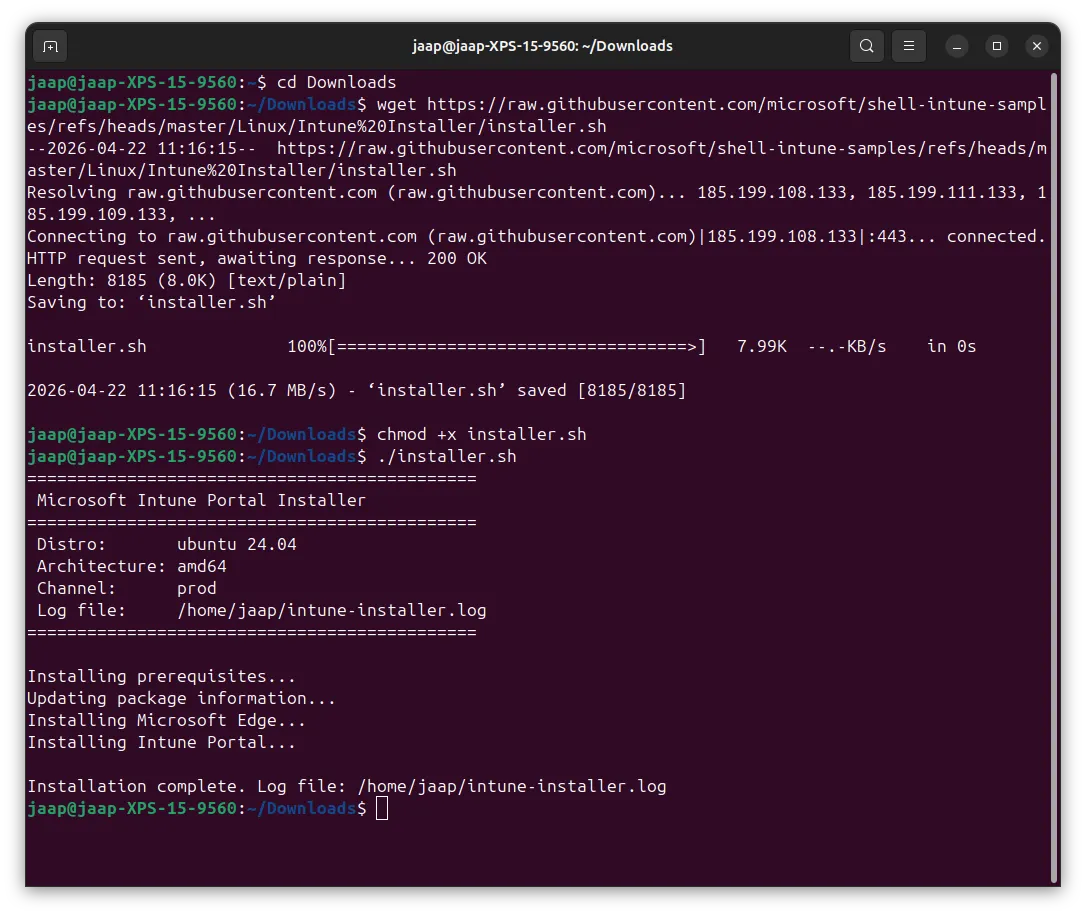
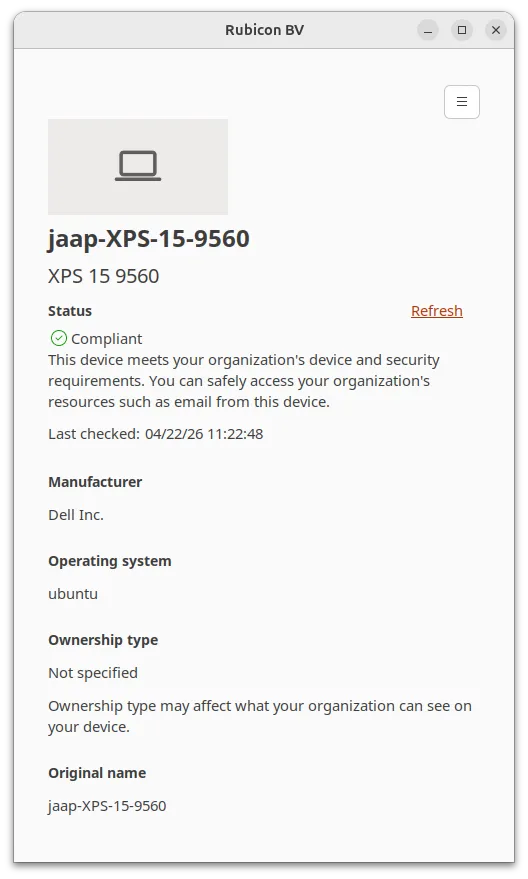
The key difference this time is that Microsoft now provides an Intune install script install-script.sh flow. Within 10 minutes after running the script, my device was registered and compliant.
Intune Onboarding Flow (2026)
Screenshots of the exact flow, in order:
This is only a guide to install the Intune Portal and enroll the device. Linux specifics are covered in the old post.
Step 1: Run the install script
wget https://raw.githubusercontent.com/microsoft/shell-intune-samples/refs/heads/master/Linux/Intune%20Installer/installer.sh
chmod +x installer.sh
./installer.sh
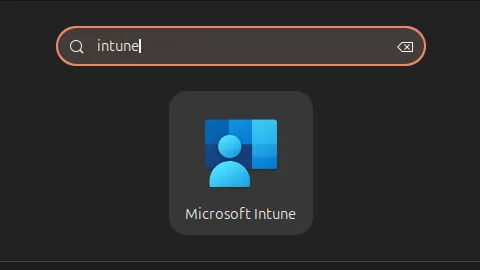
Step 2: Launch the Intune Portal App
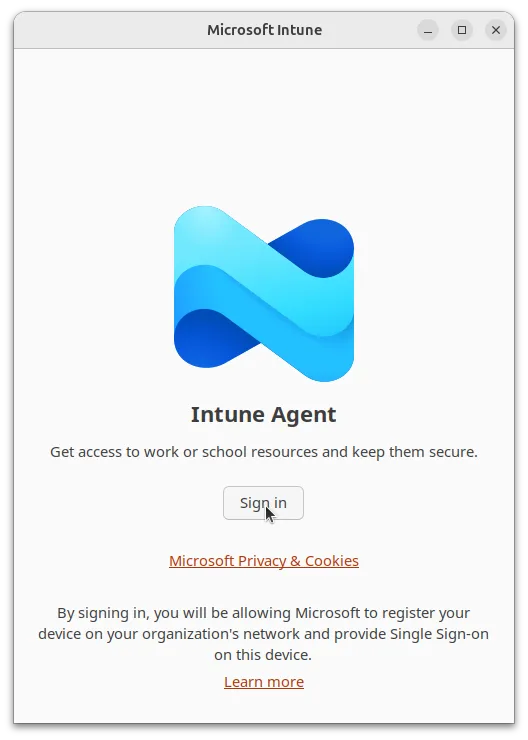
Step 3: Sign in with your company account
Step 1: Click 'Begin' to start enrollment
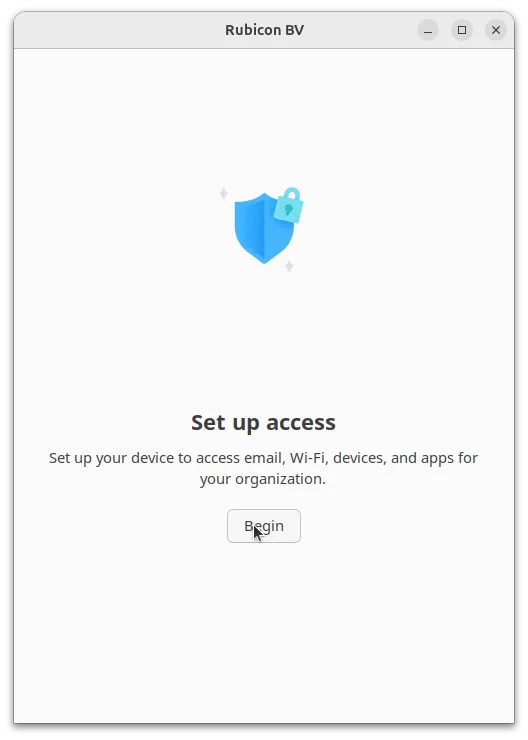
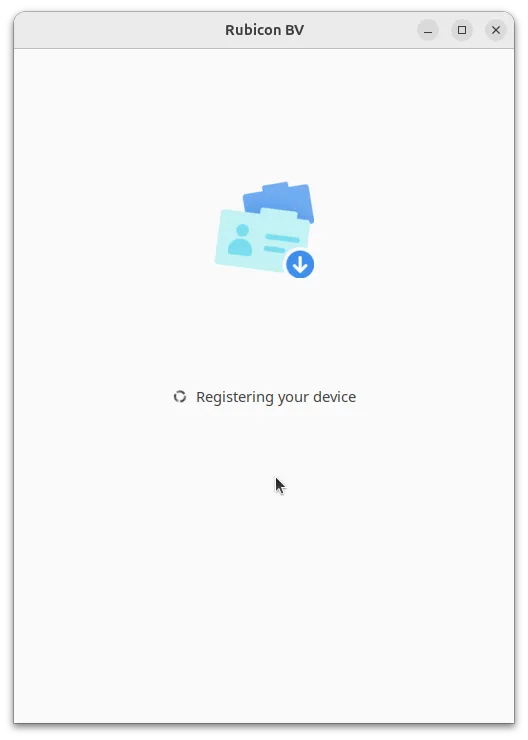
Step 1: Wait for it to register...
Step 1: Done, compliant in one go!
What Also Improved
Two things stood out immediately during this clean install:
- Secure Boot was enabled during installation, and I did not have to enroll any MOK keys this time.
- Thunderbolt worked out of the box, and I did not need DisplayLink.
Azure CLI & Bicep (2026)
Compared to my 2024 setup, this is now much simpler as well.
In the old post, Azure CLI required a longer repository setup flow, and Bicep was installed as a separate binary. On this fresh 2026 setup, I installed Azure CLI with one command:
Reference: Install Azure CLI on Linux
curl -sL https://aka.ms/InstallAzureCLIDeb | sudo bash
Then I installed Bicep directly via Azure CLI:
Reference: Install and manage via Azure CLI (easiest)
az bicep install
Git Credentials on Linux (Current Setup)
For Git authentication, I moved to Git Credential Manager and configured it to use Linux Secret Service.
Reference: Git Credential Manager install docs
After installing GCM, I configured the credential store like this:
git-credential-manager configure
git config --global credential.credentialStore secretservice
This keeps credentials in the desktop keyring without compiling extra helper tooling.
Conclusion
It is honestly impressive what two years can change. I can honestly say that enrolling Ubuntu 24.04 in 2026 is made A LOT easier now. In 2024, Ubuntu + Intune on new releases required patience and workarounds. In 2026, with Ubuntu 24.04.4 and Microsoft's current onboarding script, I was up and compliant in minutes on a fresh install.
Ubuntu 26.04 LTS is around the corner, and I plan to test onboarding there as soon as it lands.